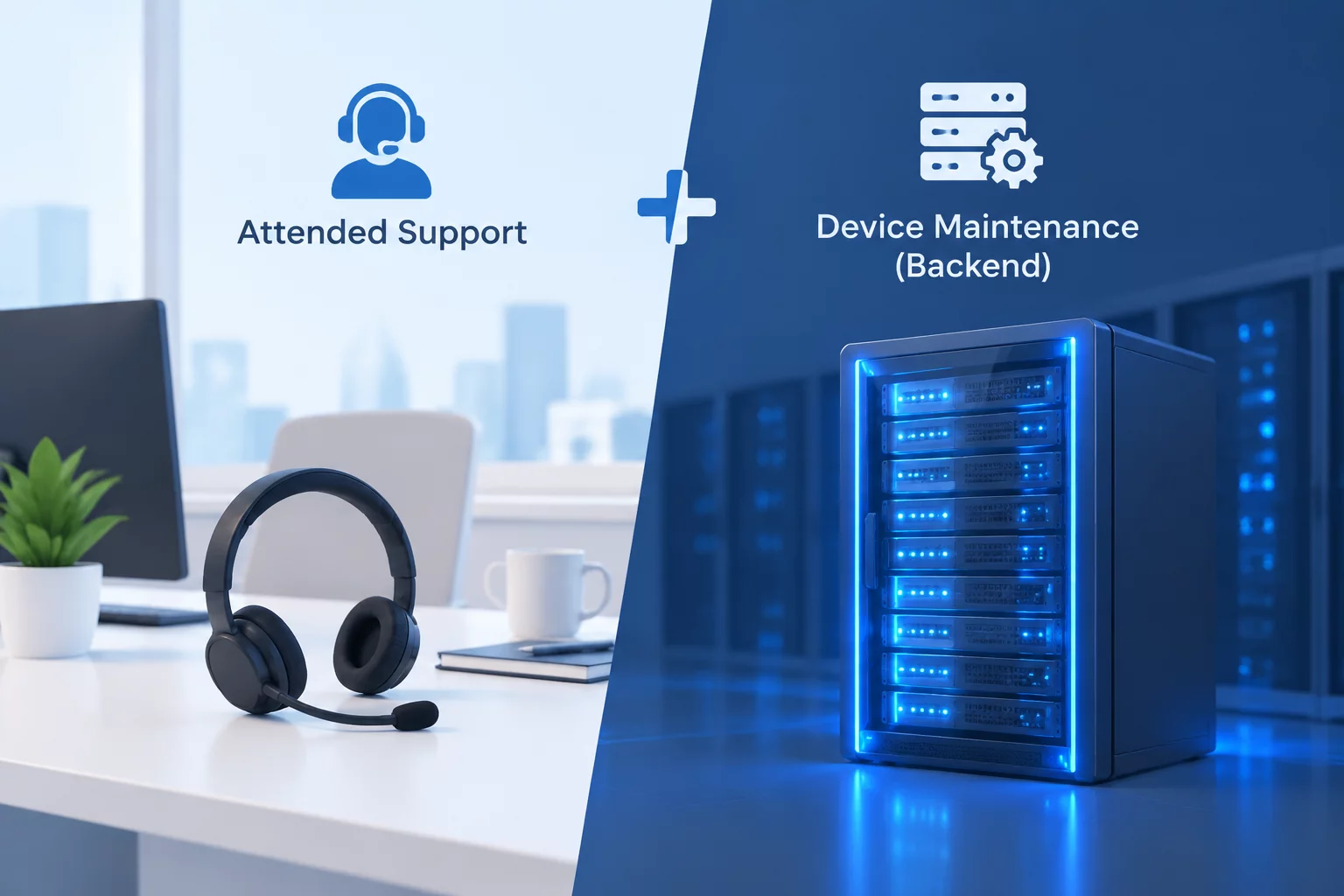
Balancing User Engagement and Engineering Workflow
Determining whether a technician needs an active employee on the other end of the line directly impacts resolution time, personal privacy, and security posture. Establishing clear criteria prevents unnecessary calendar roadblocks while safeguarding sensitive credentials.

Table of Contents
Key Criteria for Support Session Modes
Software bugs, application crashes, and interface glitches often depend on specific user behavior, profile data, or open document contexts. When an issue only occurs during an employee specific sequence of actions, the user must stay present to reproduce the error state step-by-step.
Technicians observing the live session capture exact error codes and observe runtime environment conditions that standard log files might miss. Without the employee at the keyboard, diagnosing subtle usability hurdles turns into guesswork.
- Demonstrating proprietary software bugs that depend on local file templates
- Validating third-party plugin behaviors inside desktop creative suites
- Immediate real-time feedback on configuration adjustments
Modern zero-trust security frameworks strictly prohibit employees from sharing account passwords, PIN codes, or hardware security keys with support agents. Whenever a diagnostic routine requires logging into an individual mailbox or identity portal, the employee must be actively seated at the station.
Hardware tokens and push notifications on personal mobile phones require physical confirmation by the primary account holder. An unattended session attempting to bypass these measures directly violates corporate governance rules.
Zero-Trust Rule: An IT engineer should never request an employee passcode or accept authentication tokens over chat channels. The user inputs their credentials directly during live attended sessions.
Once identity verification is complete, the support specialist can proceed with the designated configuration steps under the user direct visual supervision.
System-level tasks such as operating system patches, antivirus engine rollouts, registry defragmentation, and firmware flashing do not need user presence. In fact, performing these operations during working hours causes disruptive system reboots and sluggish performance.
Engineers schedule unattended maintenance windows during overnight periods or weekends. Centralized mobile device management agents execute scripts silently, logging results to an administrative dashboard without interrupting day-to-day business.
After a support session concludes, clear handback procedures ensure system integrity and privacy protection. For attended sessions, the engineer explicitly disconnects the session tunnel and prompts the user to verify functionality on screen.
For unattended windows, automated notification reports inform the device owner of completed updates and advise on mandatory morning reboot cycles. Audit trails record every action taken during the window for comprehensive compliance reporting.
Attended access protects human agency and authentication integrity, while unattended maintenance respects productivity and operational uptime.— Alice Morgan, Senior Systems Operations Lead
Compare Structured Access Modes
Explore our comprehensive technical matrix detailing attended support handshakes, scheduled maintenance, and hardware context rules.

Alice Morgan
Related Governance Articles