High Exposure and Specialized Peripherals
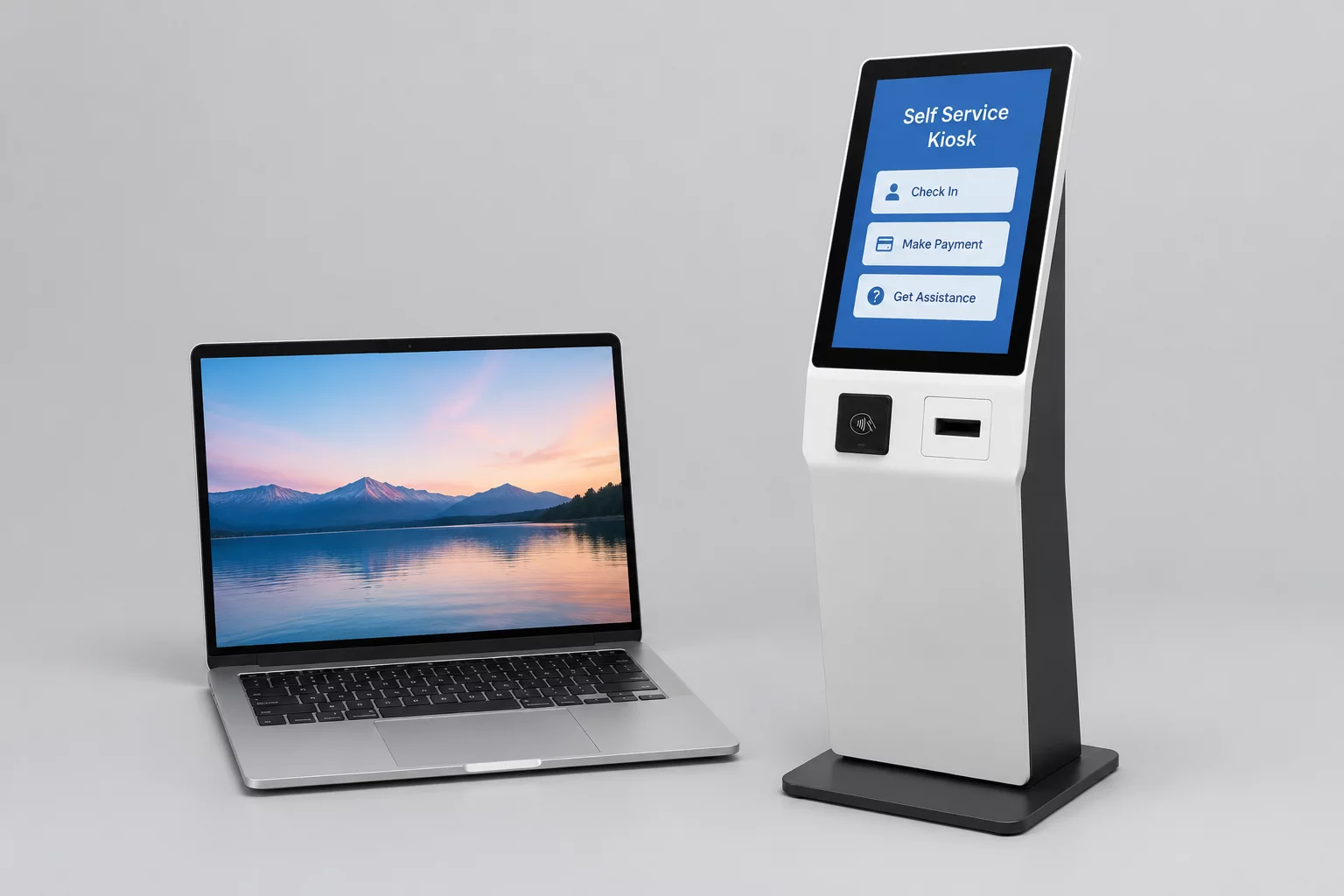
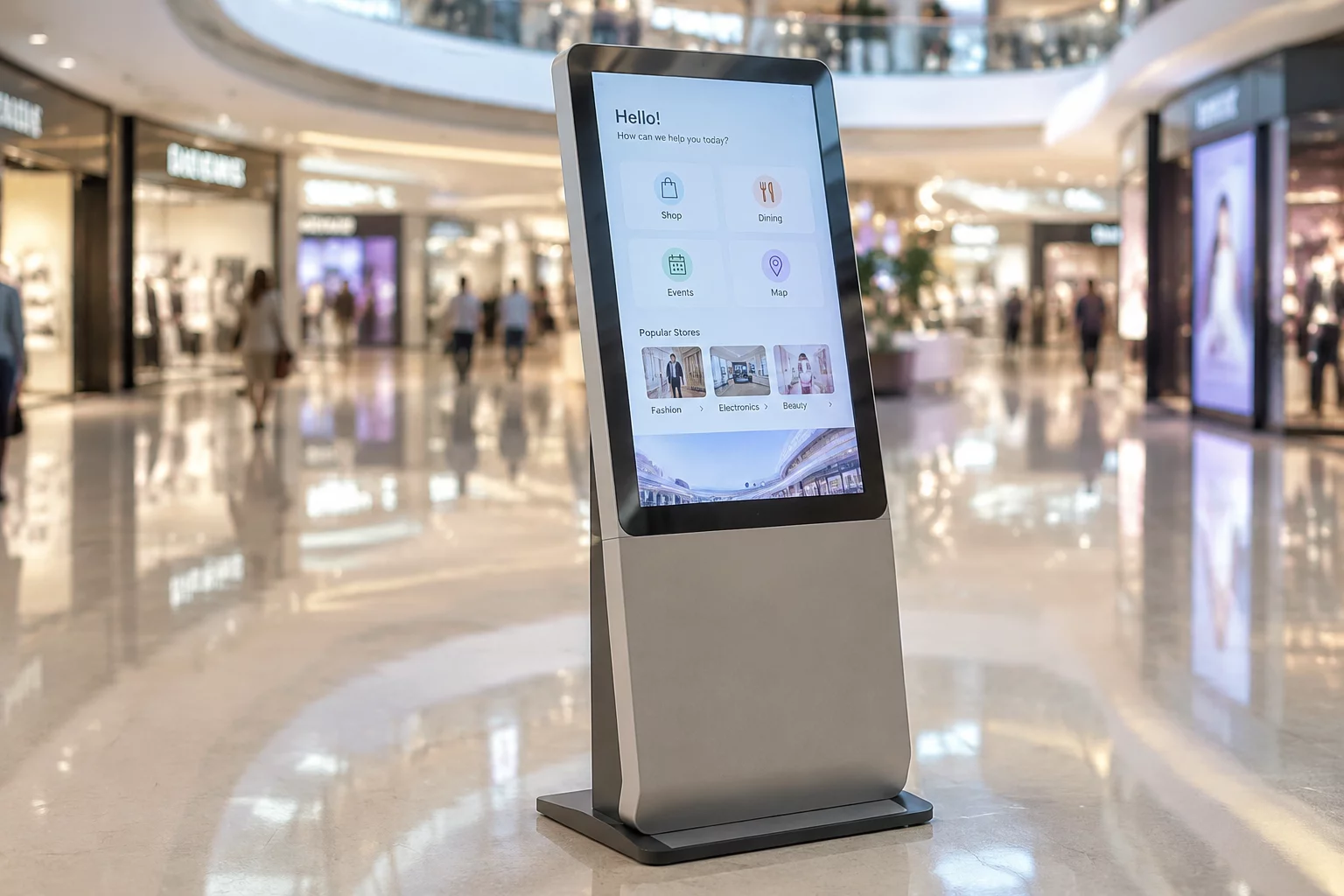
Retail kiosks operate in physical environments with high public traffic, often remaining unattended during store operations and requiring scheduled remote maintenance during closed store hours. These interactive endpoints house integrated peripherals such as thermal receipt printers, chip card readers, barcode scanners, and touch screen displays. Managing these devices requires remote execution pipelines that prevent physical tampering and ensure point-of-sale firmware stays synchronized.
Unlike a corporate laptop where a worker is seated at the keyboard to grant approval, retail kiosks demand strictly scheduled unattended maintenance windows. Technicians must never deploy ad-hoc interactive sessions while customers might be browsing or attempting a transaction. Software updates, operating system patches, and driver diagnostics must execute within an automated orchestration window that locks the terminal display into a clean maintenance notice screen before initiating administrative commands.
“Maintaining unattended retail endpoints without scheduled blackouts and display locking creates severe security vulnerabilities and disrupts customer trust during active retail hours.”
Critical Maintenance Checklist and Guardrails
Executing maintenance on self-service stations requires an isolated protocol stack that isolates peripheral hardware, flushes volatile memory, and verifies system integrity before returning to user interface mode.
Essential Kiosk Maintenance Runbook
-
Kiosk Screen Blanking & Touch Lockdown: Prevents public access or session viewing by displaying a designated maintenance graphic and disabling all touch inputs and keypad intercepts during the active maintenance tunnel.
-
Peripheral Subsystem Isolation: Disengages payment terminals, cameras, and barcode readers during patching to prevent unauthorized peripheral communication or driver conflicts.
-
Ephemeral Credential Revocation & Auto-Reboot: Terminates remote administrative tunnels immediately upon task completion, resets temporary access keys, and executes a clean warm reboot into customer mode.
Common Architectural Inquiries
Addressing architectural edge cases and operational constraints when managing self-service retail endpoints.
Request Architecture Assessment
Speak with our systems engineering team to evaluate your remote maintenance windows and endpoint security parameters.