Why Endpoint Context Dictates Maintenance Controls
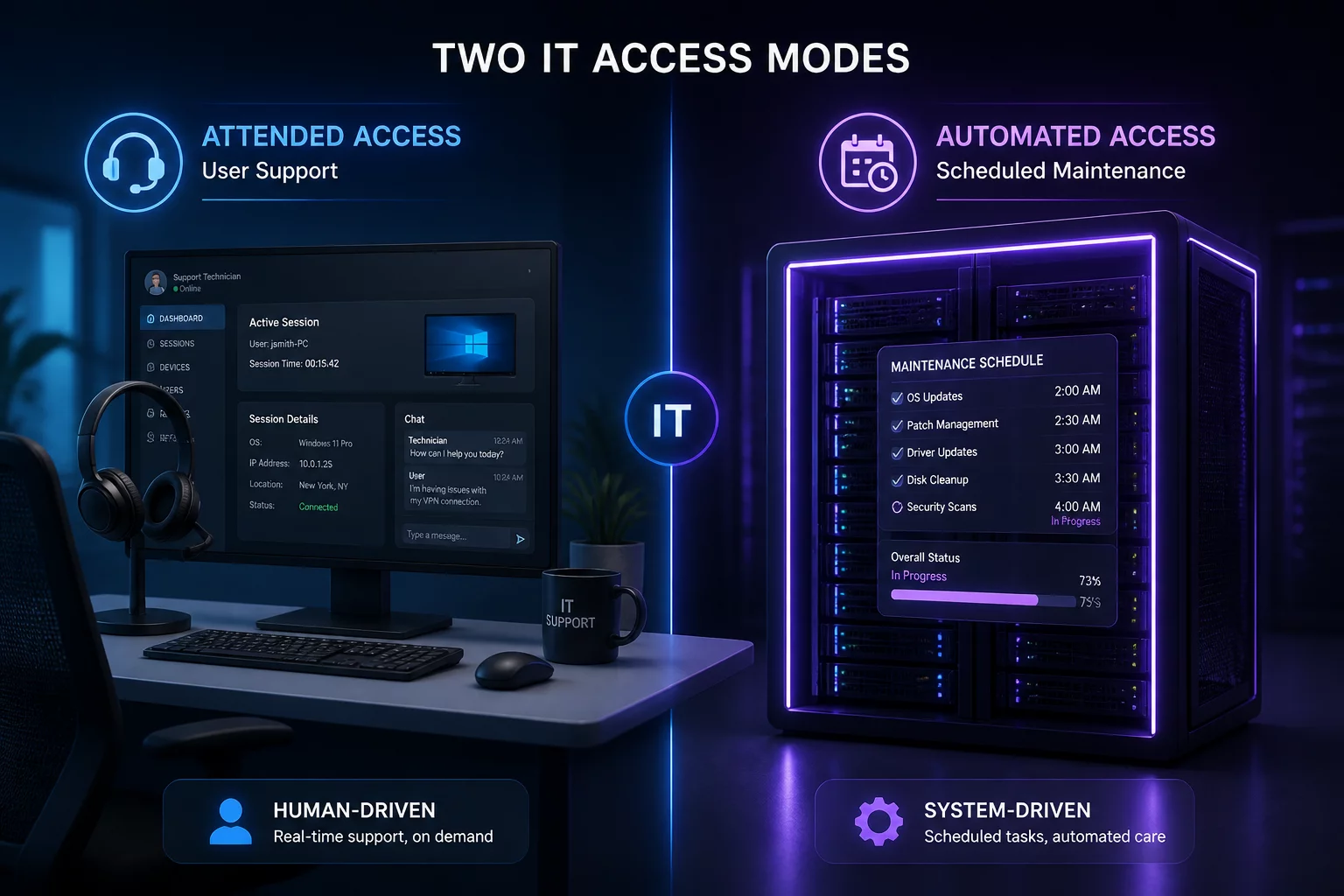
Laptops belong to active employees who verify identity and supervise live support sessions. In contrast, self-service kiosks operate in public store aisles without assigned operators, necessitating automated blanking curtains, strict access windows, and programmatic handback health checks.
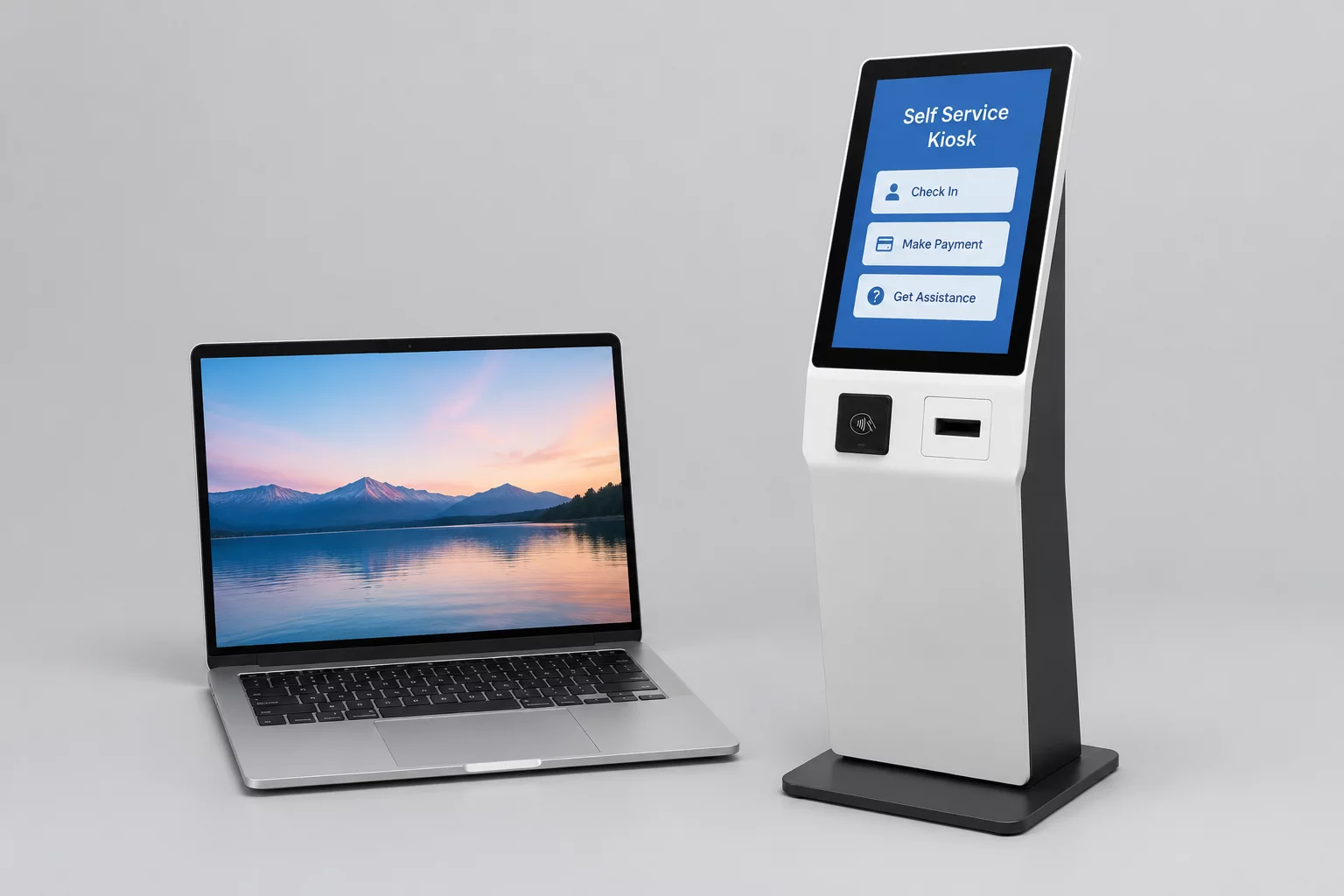
Table of Contents
Core Differences in Access Architecture
An enterprise laptop resides in controlled office environments or individual worker custody where physical interference remains minimal throughout technical interventions. In contrast, self-service kiosks stand in public concourses, retail storefronts, or transport hubs, directly surrounded by transient foot traffic and curious onlookers.
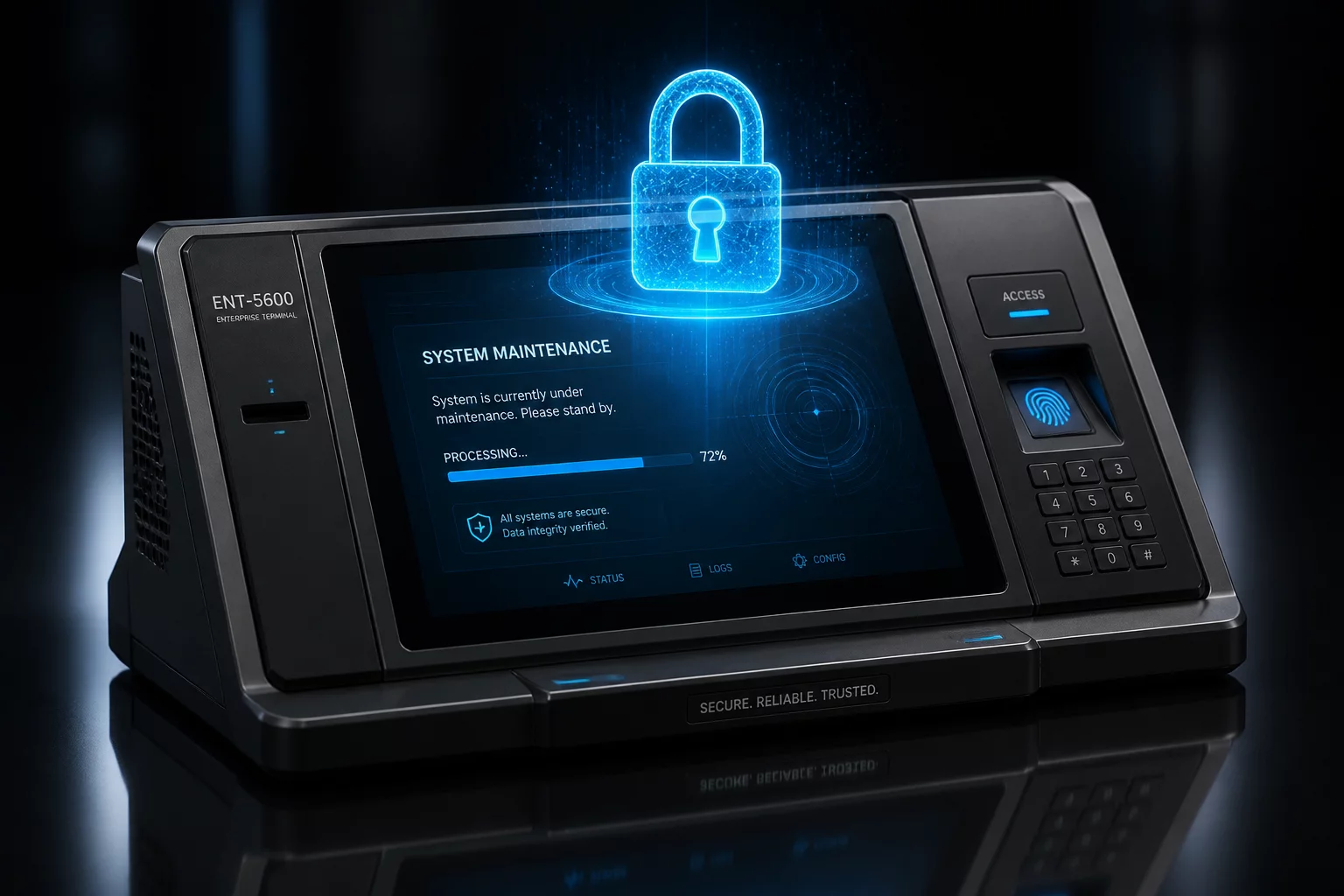
Initiating remote administrative access on a public terminal without adequate visual isolation exposes internal IP subnets, command prompts, and sensitive administrative tooling to anyone walking past. Technicians must enforce an impenetrable maintenance curtain before any diagnostic service begins.
- Automated screen blanking that displays a neutral out-of-service message while locking out physical touch input.
- Hardware peripheral isolation suppressing payment terminal inputs, barcode scanners, and cash dispensers during maintenance.
- Session termination triggers tied to local physical tampering alerts from enclosure tamper microswitches.
Laptop support routines rely on interactive human authorization. An employee submits a helpdesk request, observes the support engineer join the desktop session, and clicks an explicit prompt granting temporary elevation.
Kiosks operate without assigned operators capable of clicking acceptance buttons. Authorization moves from ad-hoc human consent to centralized policy tokens and strict scheduling calendars.
Unattended kiosk maintenance must be governed by short-lived cryptographic tokens rather than persistent background access credentials.
Connecting to a kiosk outside a formal maintenance window requires dual-authorization from regional retail operations, preventing unauthorized after-hours modifications.
Supporting a corporate laptop commonly involves interacting directly with general operating system tools, file explorers, and productivity suites. Administrative privileges span broad user directories and background registry settings.
Kiosks function as single-purpose appliances running isolated kiosk shells or containerized frontends. Remote tooling should interact strictly with container daemons and diagnostic services rather than dropping out of the kiosk shell into raw desktop environments, preserving PCI-DSS compliance boundaries and perimeter lockdown rules.
Concluding a remote session on a laptop typically ends with asking the employee to test their workflow and verifying that performance meets their expectations. The human operator validates that the endpoint is ready for work.
Kiosks require rigorous synthetic testing before returning to consumer-facing mode. The support pipeline must run automated checks against receipt printer status, payment terminal connectivity, and cache clearance before releasing the display curtain and logging the endpoint as healthy in central monitoring.
Treating a public kiosk with the same informal access model as a corporate laptop opens severe physical security blindspots. Structured access windows and automated verification are mandatory.— Frank Thomas, Systems Architecture Lead
Evaluate Your Endpoint Access Governance
Explore our complete taxonomy of attended support workflows and unattended maintenance boundaries across diverse hardware tiers.

Frank Thomas
Related Maintenance Governance Articles